
Modern smartphones carry every piece of your digital life, from banking alerts and work messages to chat threads and quick entertainment. Because so many functions share the same small screen, opening a browser to read an informative article often turns into an accidental detour through unanswered emails and endless notifications. Trying to catch up on the world while dodging personal alerts can leave you feeling drained before you finish reading a single report.
A practical solution is creating a single-purpose tablet or reader dedicated purely to long-form reading and daily journalism. By taking an older tablet or a basic e-paper slate and stripping away communication software, you create a focused device that invites calm exploration. When a screen has only one job, your relationship with the information on it changes completely.
Choosing and Repurposing a Reading Device
You do not need an expensive flagship slate to build a comfortable reading station. In fact, an older tablet that struggles with demanding mobile games or heavy multitasking often serves as an ideal reader. A clear display, a reliable battery, and enough storage for cached articles are all you truly require for a pleasant experience.
Before setting up your feeds, perform a clean reset of the operating system to clear out residual caches and abandoned user accounts. Avoid connecting your primary communication accounts, such as personal email, instant messengers, or shared team workspaces. Keeping those accounts off the device removes the subconscious urge to check for incoming messages while you are reading.
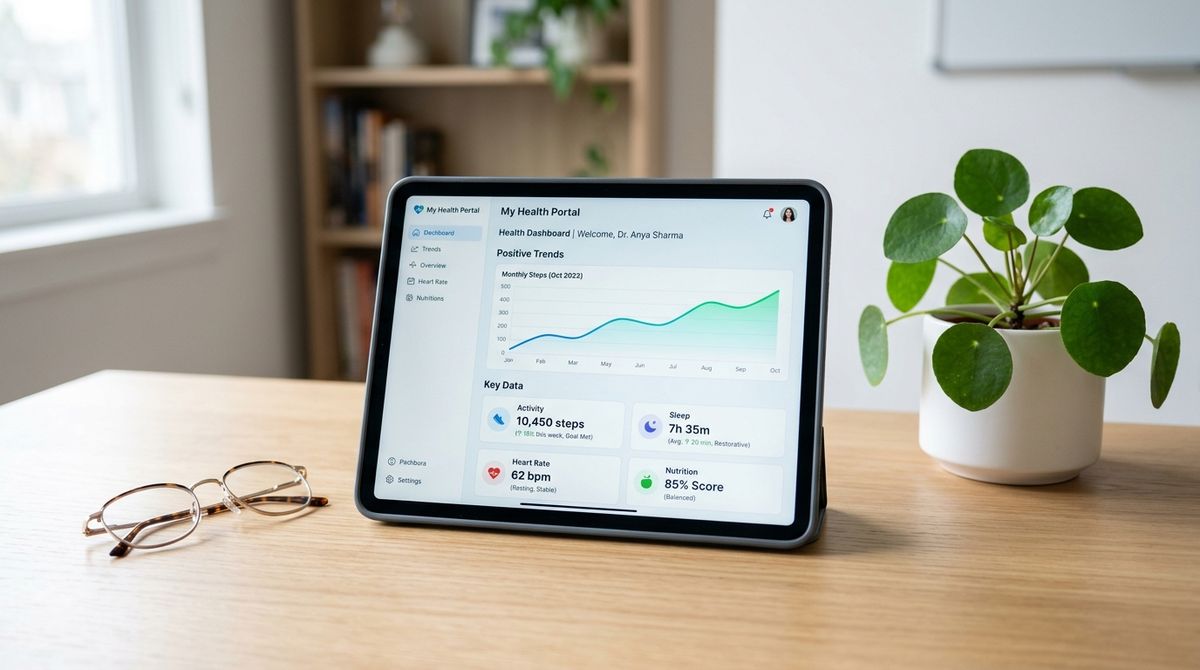
Physical ergonomics matter just as much as internal storage. If you previously looked into our guide on setting up a practical learning station, you already understand how screen height, matte screen protectors, and simple stands support better reading posture. A lightweight tablet case with an integrated kickstand lets you prop the screen up on a side table or kitchen counter without needing to hold it constantly.
You can also use an inexpensive micro-suction stand or an adjustable easel stand to keep the screen tilted at eye level. Placing the device where you naturally sit with a warm drink or a notebook encourages calm focus.
Stripping Distractions and Configuring the System
The goal of a dedicated reading terminal is to replace the constant buzz of social feeds with quiet, intentional browsing. To make the interface effortless, you should strip the home screen down to the bare essentials. Keep only a web browser, a clean feed aggregator, and an offline reading library on the main screen.
Adjust your system settings to support comfortable, uninterrupted sessions:
- Disable every push notification across all installed applications.
- Turn off automatic background store updates during active reading hours.
- Enable a warm color filter or night mode to reduce eye fatigue.
- Set the display timeout long enough so pages stay visible while you pause.
Turning off system sounds is equally important. When a device cannot chime, buzz, or flash banners, it ceases to compete for your attention. Instead, it waits quietly until you choose to pick it up and read.
Organizing Civic and Political Information
Staying informed about regional developments, national governance, and civic debates is an essential part of modern life. However, modern social feeds often mix sensational headlines with rapid commentary, making it hard to follow complex issues with patience. On your dedicated tablet, group your civic feeds into separate folders or bookmark categories based on topic rather than urgency.
Create a designated folder for political analysis, commentary, and public affairs. If you follow independent commentary and debate across national topics, platforms such as regated.com offer political reporting, global news trends, and varied viewpoints that you can review on your own schedule. Grouping these resources together lets you explore opinion pieces and policy debates when you have the mental space to digest them thoughtfully.
Dividing your reading list into distinct folders prevents one subject from crowding out another. When you separate international reports from domestic governance, you can choose exactly what kind of information you are ready to process.
Try to read long-form essays and full coverage rather than rapid-fire headlines. When an article catches your interest, save it to an offline reading list so you can read the complete text without banner distractions or related clickbait. Over time, this deliberate approach builds a clearer understanding of civic matters than skimming disjointed social posts throughout the day.
Integrating Health and Wellness Resources
A well-rounded news diet should include more than political analysis and global events. Incorporating practical lifestyle advice, preventative health articles, and physical wellness reporting helps balance the intensity of civic news with actionable ideas for daily life.
Dedicate a distinct section of your browser bookmarks or reader folders to health and medical journalism. For readers interested in wellness topics, physical conditioning, and medicine updates, under-news.com provides accessible articles on maintaining personal health and exploring wellness habits. Keeping wellness articles side-by-side with civic reports gives you a balanced overview of both the wider world and the personal habits that support your daily routine.
When organizing health resources, focus on general informational reading rather than self-diagnosis. A dedicated tablet is a great place to learn about sleep hygiene, ergonomics, nutrition concepts, and outdoor activity ideas. Reading these pieces in a calm environment encourages steady, positive adjustments rather than anxious reactions to health symptoms.
Establishing a Sustainable Reading Routine
Even the best device configuration loses its value if you do not establish a practical habit around it. Designate a specific place in your home where the reading tablet lives, such as on a desk charger, near a reading armchair, or on a kitchen shelf. When the device has a physical home, you are less likely to carry it aimlessly from room to room.
Set aside a specific window during the day for reading your feeds, such as a quiet moment with morning coffee or a brief period before evening downtime. Because the device lacks chat apps and notifications, you can step away as soon as your reading time concludes without getting pulled back in by an unexpected chime.
Over time, you will notice that stepping away from constant alerts makes your reading sessions feel like a conscious pause rather than an obligation. The device becomes an inviting household fixture rather than another source of screen fatigue.
Regularly review your bookmarks and subscriptions every few months. Remove feeds that consistently publish low-value filler and add fresh outlets that bring thoughtful reporting to your screen. By maintaining both your hardware settings and your reading lists, your dedicated tablet remains a reliable window to the world that enriches your daily routine without overwhelming it.