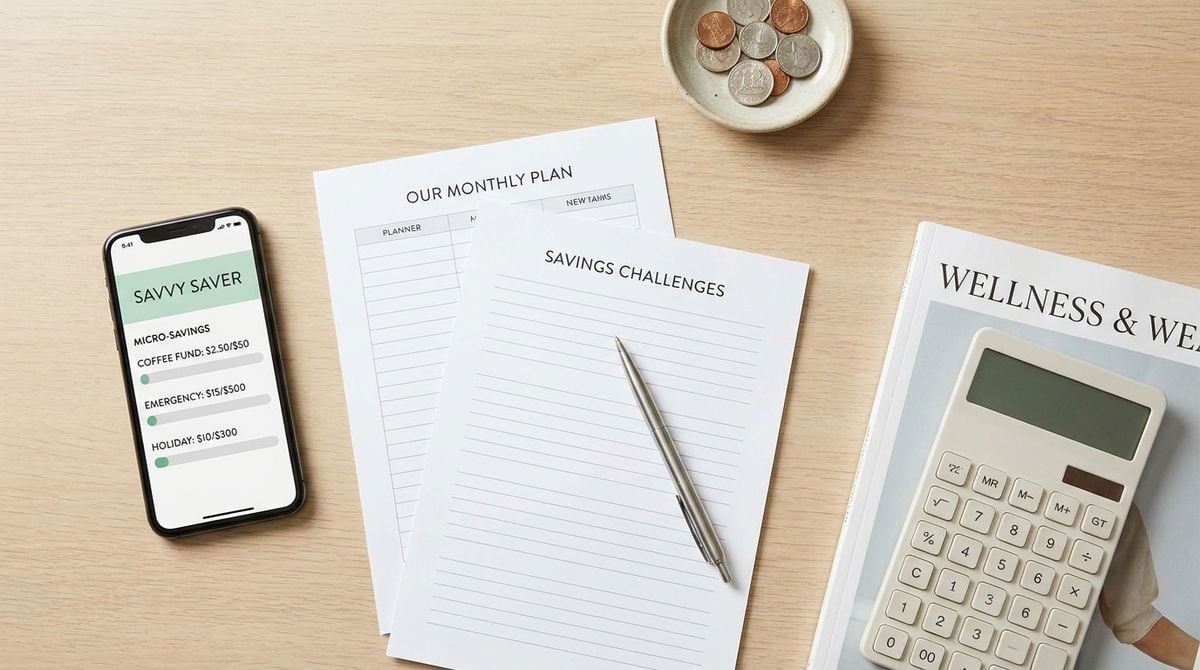

Readers who enjoy new technology often assume that the best budgeting method must be the most advanced one. In practice, a simple tracker that gets updated every week beats a sophisticated system that gets abandoned after a month. Apps, spreadsheets and dashboards each have a role, but their value depends on how well they fit your habits. This article covers the basic tools worth trying and the features that tend to add noise rather than insight. It is general information only, not financial advice.
Start with the question of what you want the tool to answer. Some people need to know whether they can cover next month’s bills. Others want to see where small purchases add up over a year. A clear question narrows the options quickly. Once it is set, choose the simplest tool that answers it, and only then consider extra features.
Begin With a Plain Spreadsheet
A basic spreadsheet with columns for date, category, amount and a short note is the most flexible tool available. It costs nothing beyond software you may already own, and it lets you build formulas that match your life. Keep the categories few, perhaps six or seven, so entries take seconds rather than minutes. Readers may also want to visit private-bad-credit-lenders.com.
A spreadsheet can also store notes about recurring bills, due dates and subscription renewals. Adding a column for the next renewal date prevents surprises that arrive from automatic charges. Sort the sheet by date once a month, so the next few weeks stand out at a glance. A clear view of upcoming payments reduces stress in busy months. Simple formatting, such as a shaded row for paid items, is enough.
Protect Your Accounts First
Connecting a budgeting app to bank accounts means trusting it with sensitive access, so security comes before convenience. Use a strong, unique password and turn on two-factor authentication wherever it is offered. Review which apps are linked to your accounts every few months and remove any you no longer use. You can also visit Fiber Gaming for more reading. A quick check of permissions is worth more than any dashboard feature.
Passwords deserve a clear routine. Use a password manager to generate unique passwords for each account, and store recovery codes somewhere safe and offline. A short check every quarter confirms that the right people and devices still have access to the accounts. Routine checks catch problems that would otherwise remain hidden for months. Treat any unexpected verification request with suspicion.
Set Categories and Rules Carefully
Automatic categorization saves time, but it can misfile purchases if the rules are too broad. Review the first few weeks of entries and correct anything that looks wrong, then adjust the rules. A shared category list makes it easier to compare months accurately. For a related read on this site, see Spreadsheets to Software: Tracking Rental Properties as You.
Income should be recorded alongside spending, even when it arrives irregularly. Note the date, the source and the amount of each payment, and carry forward any unused balance. Seeing the full picture helps decide how much room the month really has for discretionary purchases. An honest income line keeps every later comparison realistic. Irregular earners may find a rolling average easier to read.
Skip Investment Pitches and Gamified Rewards
Many budgeting products now include features that push investing, crypto trading or points systems designed to keep you engaged. Those features are separate from budgeting and often bring fees, pressure or misleading charts. You can ignore them entirely without losing any value from the core tool. A budget is about understanding spending, so features that encourage new financial bets can distract from that goal. Keep the focus on income, bills and savings.
Savings goals work best when they are written down with a clear purpose and a realistic monthly target. Place the goal in its own row of the sheet, and update the balance each time money moves into it. Watching a steady line grow can be motivating without any extra features. Simple progress bars can be drawn with basic formatting. Keep the goal list short so that every entry receives attention.
Review the Numbers Each Month
A short monthly review keeps the system useful. Compare planned spending with actual spending, note any category that rose sharply and decide on one change for the next month. Keep the review under half an hour so it does not become a chore. Over time, the review shows whether the tool is helping or simply adding another screen to check. If it is not helping, simplify it.
Simple Tools Win
For most tech-minded readers, a clean spreadsheet or a single well-secured app does the job better than a crowded dashboard. Protect your accounts, keep categories few, skip the investment pitches and review the figures once a month. The best budgeting tool is the one you still open after several months.