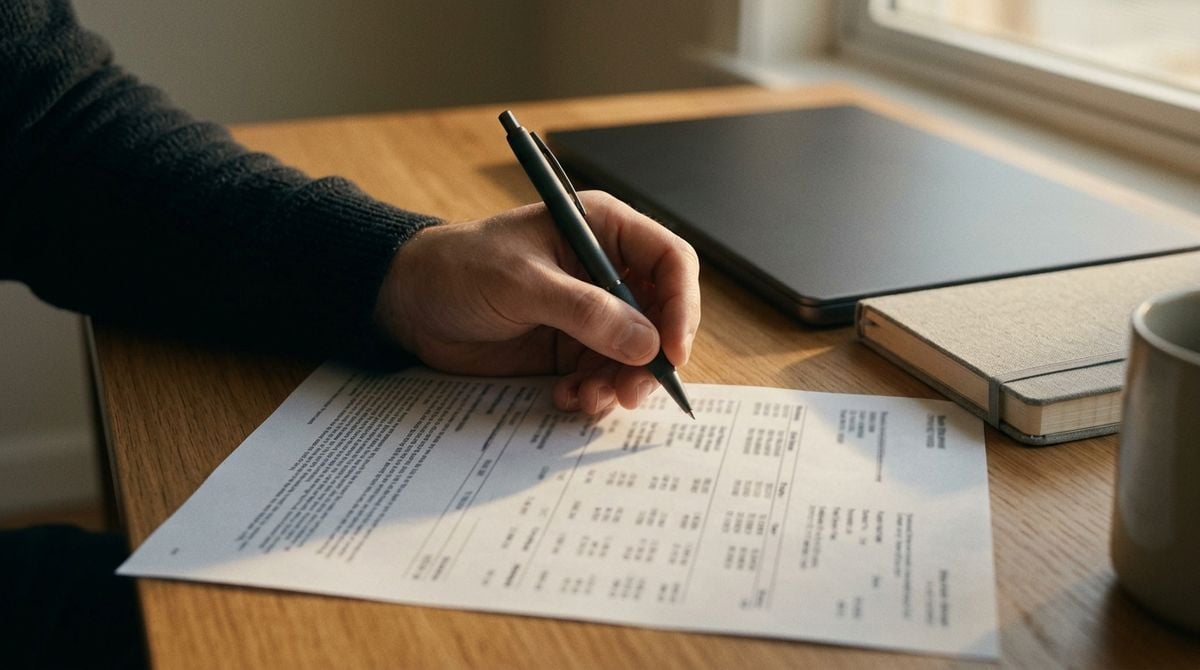

Many people now connect their bank accounts to budgeting apps, which can pull transactions into one dashboard. Those links are convenient, yet they add a new layer of permissions and data sharing. Paper statements and a plain spreadsheet once did the job alone. The modern tools have not removed the need to check those records by hand.
This article looks at how account links work, what the newer permissions mean and which older habits still protect a household. It is general information, not financial advice. The aim is to help a technology reader connect accounts with care and keep a clear paper trail. Readers should review their own bank’s terms and any local rules before making changes.
How Account Links Work Now
Most budgeting apps connect through a secure service that reads transaction data from a bank. The app then sorts payments into categories and shows balances in one place. Some apps request read-only access, while others ask for wider permissions. Readers may also want to visit cookiebot. Reading the permission screen carefully is the first step.
Look for plain explanations rather than marketing copy. Clear explanations make it easier to judge what the app is allowed to see. Read the privacy policy before connecting an account. Ask yourself which features you actually plan to use, since that list should set the level of access. A tool you barely touch rarely needs the widest permissions, and narrow access is often enough for everyday budgeting.
Reading the Permissions Before You Tap
A permission screen can look like routine paperwork, yet it decides what data leaves the bank. Check whether the app asks for balances, transaction history or account details. Ask whether those items are needed for the features you plan to use. Decline anything that seems broader than the purpose. If a permission request seems unclear, pause and read it again before tapping.
You can also visit vnznews.com for more reading. Remove any service you no longer use. Revoking old access closes a door that might otherwise stay open for years. Keep a note of which apps were removed and when.
Keeping Paper Statements in the Loop
Paper statements and printed summaries still offer a second check that does not depend on any app. Keep a folder by year, and file each statement when it arrives. For a related read on this site, see Seed Swap Apps Versus Neighborhood Seed Exchanges. Compare the totals with the app dashboard at least once a month, since differences often reveal a missed link or a duplicate entry. Note any gap that persists for more than a month.
Start small, and expand the habit once the first account matches. A steady routine beats a rushed clean-up once a year. Small, frequent checks are easier to finish than one large project. Most differences turn out to be timing issues, such as a payment that has not yet cleared. Keep a short log of any differences you find, because patterns in those notes reveal weak spots.
Protecting Against Duplicate and Missing Entries
Connected accounts can sometimes double count a payment or drop a pending transaction. Learn how the app marks pending items, and check them again once they settle. A short note explaining odd figures can save confusion later. Consistency beats perfection in this kind of record keeping.
Set aside a short window each month to tidy the categories. Choose the same day each month, perhaps right after your statement arrives. Rename unclear entries, merge duplicates and flag anything that needs a closer look. A few minutes of attention keeps the picture accurate without taking over the week. Schedule the review for the same day each month so it becomes routine.
Keeping Money Records Secure Over Time
Strong passwords and two-step sign-in protect the links between your accounts and your apps. Store recovery codes in a safe place that you control. Avoid sharing login details by message or email. Simple precautions matter more as the number of connections grows.
Keep the paper trail after the app is set up, since it still tells the story of the household. Paper records are useful evidence if an app stops working. A quarterly review of the statements and the app totals keeps both records honest. Good habits outlast any single tool. Keep notes on each change you make so the process can be repeated later.
Tools Come and Go
Apps change their features, and banks update their connection rules from time to time. The steady core of good money habits stays the same: read permissions, check totals and keep a paper trail. Use the modern tools for speed, and use the old checks for confidence. Each approach catches mistakes that the other might miss. Together they make a sturdier system than either one alone.